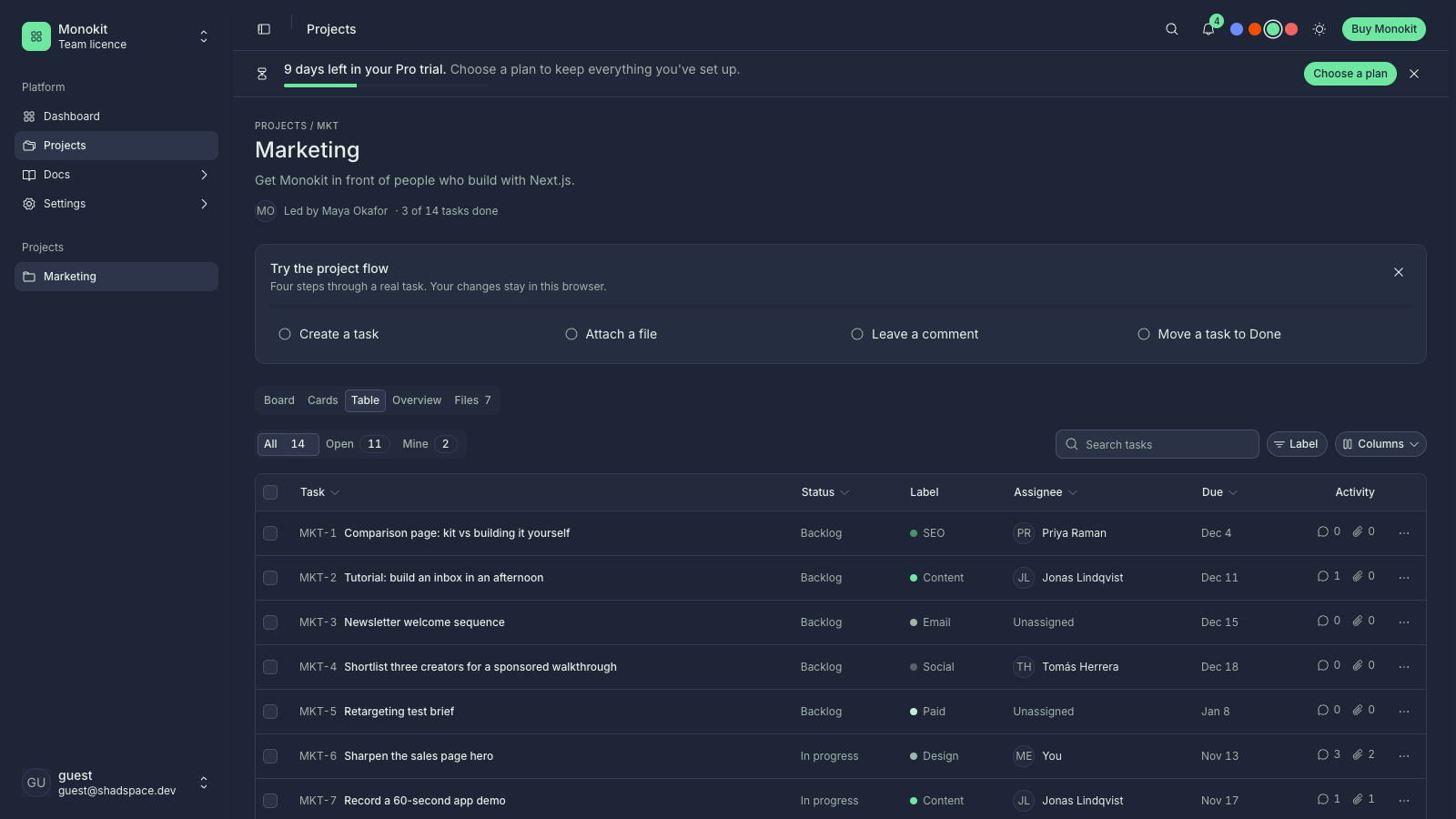
A data table in a UI kit is usually a screenshot that happens to run. The rows are baked in, and the first thing a buyer does is pull it apart to get their own data in.
Until 1.9, Monokit's was the same. Now it takes your data.
Your rows, your columns
Pass `rows` and a list of `columns`, and the table sorts and searches them. Views (tabs with counts), a filter, row menus and bulk actions are optional: add the ones your screen needs.
The customer table from earlier releases is still there. It's now one example of the block, not the block itself.
The proof is in the demo app
The table above is a project in the demo app, built from the same block with project tasks as rows. Sort by status or due date, filter by label, then move or assign several tasks at once.
Projects also open as cards now, with each task's cover image, next to the board and the overview. The view stays in the URL, so a shared link opens the same one.
If you bought it
Run git pull. CHANGELOG.md lists every change, and nothing you've built needs redoing. If the kit is missing a screen your product needs, ask for it.