Monospace Design System
MDS starts in code, not Figma. Here's what I built and how the shadcn registry makes it consumable.
A calm, mobile-first design system — tokens, components, nine interactive patterns, and a shadcn registry theme.
Most design systems start in Figma: tokens in a shared library, components in a published file, then handoff to engineering with a Zeplin link and a prayer. The code comes second, as a loose interpretation of whatever the file meant.
I built this one backwards. The Monospace Design System (MDS) starts in code and ships as a working site you can use. There is no Figma file, and the patterns aren't mockups.
What it's for
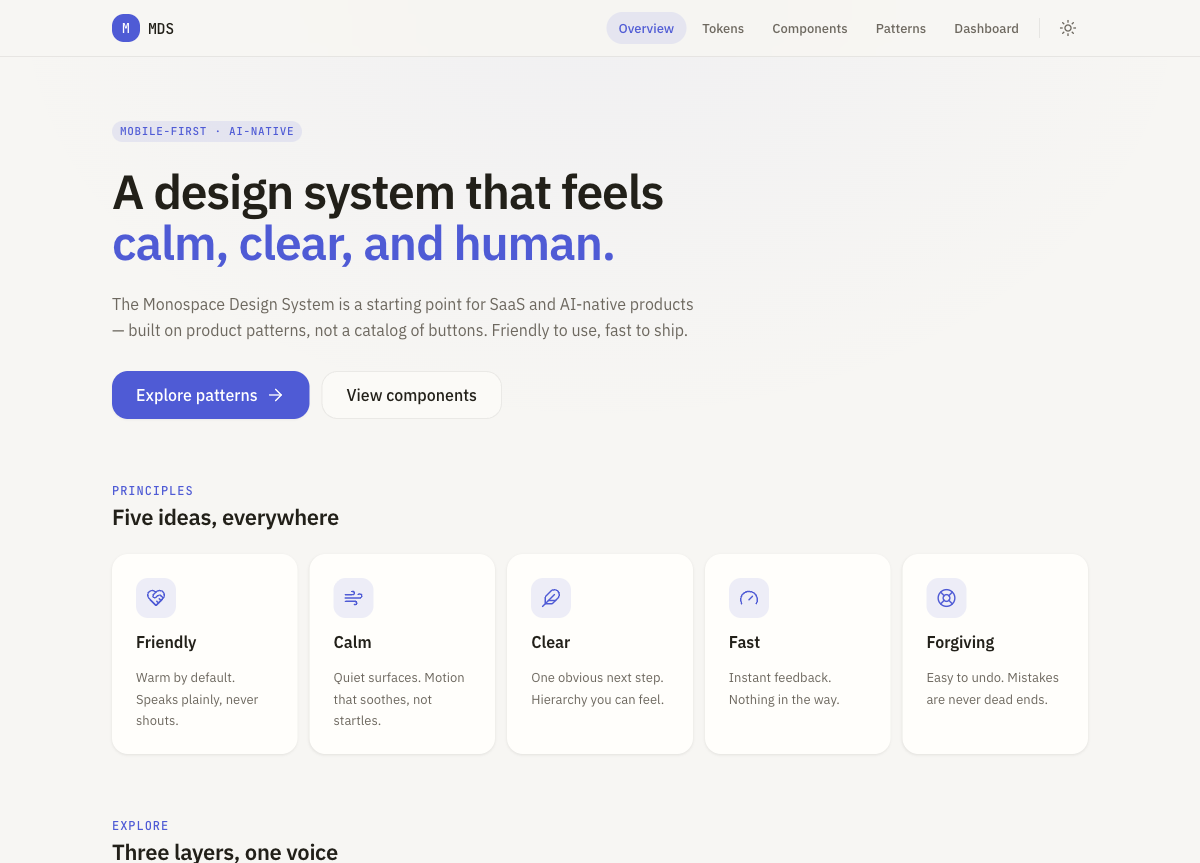
MDS is a starting point for SaaS and AI-native products. It's built around product patterns rather than a catalogue of buttons, and five principles run through it:
| Principle | What it means |
|---|---|
| Friendly | Warm by default. Speaks plainly, never shouts. |
| Calm | Quiet surfaces. Motion that soothes, not startles. |
| Clear | One obvious next step. Hierarchy you can feel. |
| Fast | Instant feedback. Nothing in the way. |
| Forgiving | Easy to undo. Mistakes are never dead ends. |
The reference points are Apple's HIG, Arc and native iOS apps. I deliberately left out enterprise heaviness, Material aesthetics and border-heavy layouts.
Three layers
Tokens. Spacing, radius, type, motion, shadows and colour as CSS custom properties, with a typed source of truth in TypeScript. Light and dark from the start.
Components. Eight accessible primitives (Text, Icon, Button, Input, Card, Sheet, Surface, Stack) plus a theme provider and toggle. Base UI handles the accessible plumbing, Lucide the icons and Motion the animation.
Patterns. Nine interactive product screens, and the actual reason MDS exists. They aren't documentation for something you might build. They're screens you can lift into a product today.
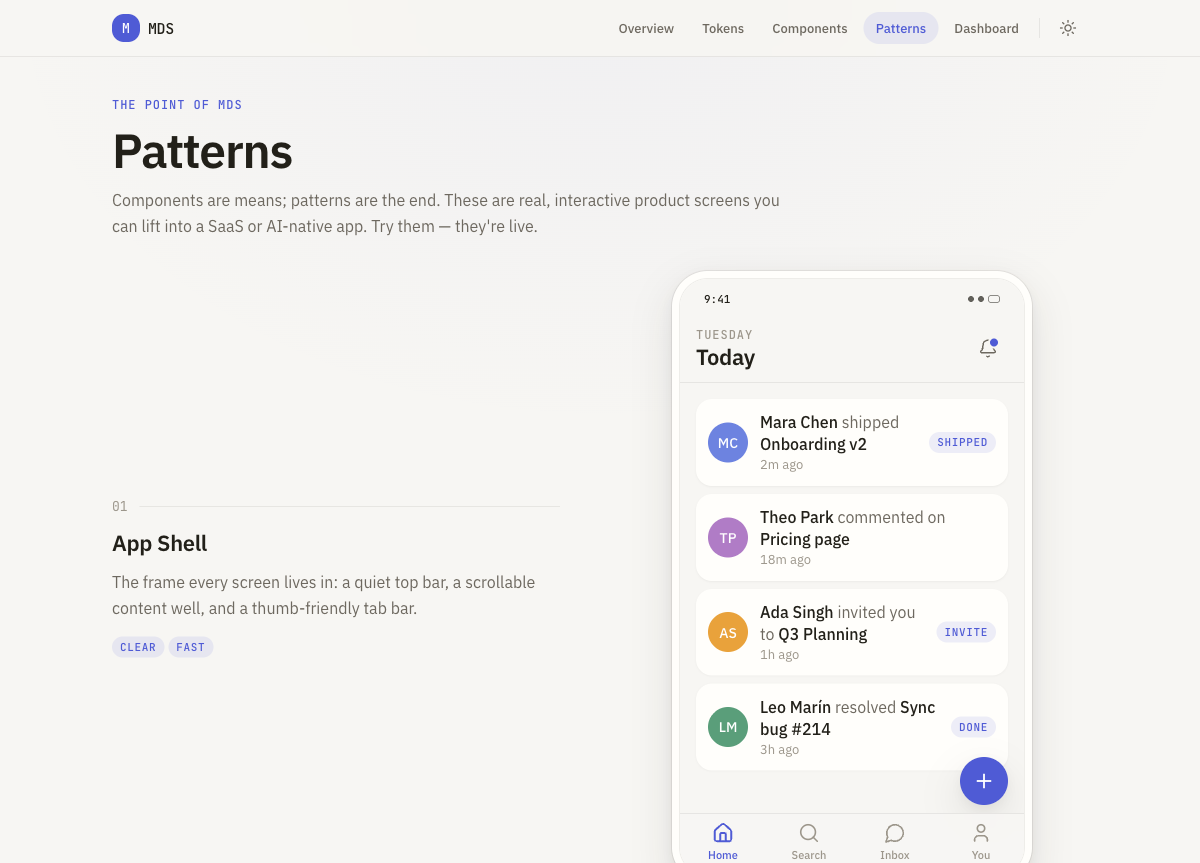
App Shell, Settings Screen, Profile Screen, List + Detail, Search Screen, AI Chat Screen, Empty State, Loading State, and a keyboard-navigable Command Bar (⌘K). They're live at mds.monospace.studio/patterns.

Since launch, a fifth section has joined Overview, Tokens, Components and Patterns: a Dashboard template. It's a full app surface (product mark, account menu, live filter and sort, responsive grid) built entirely from the existing primitives, with no one-off markup.

The shadcn bit
This is the part I'm happiest with. MDS ships a shadcn registry item, so any project already on shadcn/ui can pull in the MDS theme with one command:
npx shadcn@latest add https://mds.monospace.studio/r/mds-theme.json
That brings in IBM Plex Sans, JetBrains Mono, warm paper neutrals, one calm accent (the blue you see throughout) and soft radius, all as CSS variables wired into your Tailwind v4 config, in light and dark. No digging through someone else's tokens.
The registry item is just JSON at /r/mds-theme.json. shadcn fetches it, applies the variables, and your project is on MDS.
Stack
Next.js (App Router) · React 19 · TypeScript strict · Tailwind v4 · Base UI · Lucide · Motion · Vercel.
The repo is derrybirkett/monospace-design-system. The live docs are at mds.monospace.studio.