Monospace Design System
MDS starts in code, not Figma. Here's what I built and how the shadcn registry makes it consumable.
A calm, mobile-first design system — tokens, components, nine interactive patterns, and a shadcn registry theme.
Most design systems start in Figma. Tokens in a shared library, components in a published file, handoff to engineering with a Zeplin link and a prayer. The code comes second — a loose interpretation of whatever the design file intended.
I built this one backwards. The Monospace Design System (MDS) starts in code and ships as a working, interactive site you can actually use. The Figma file doesn't exist. The patterns aren't mockups.
What it is
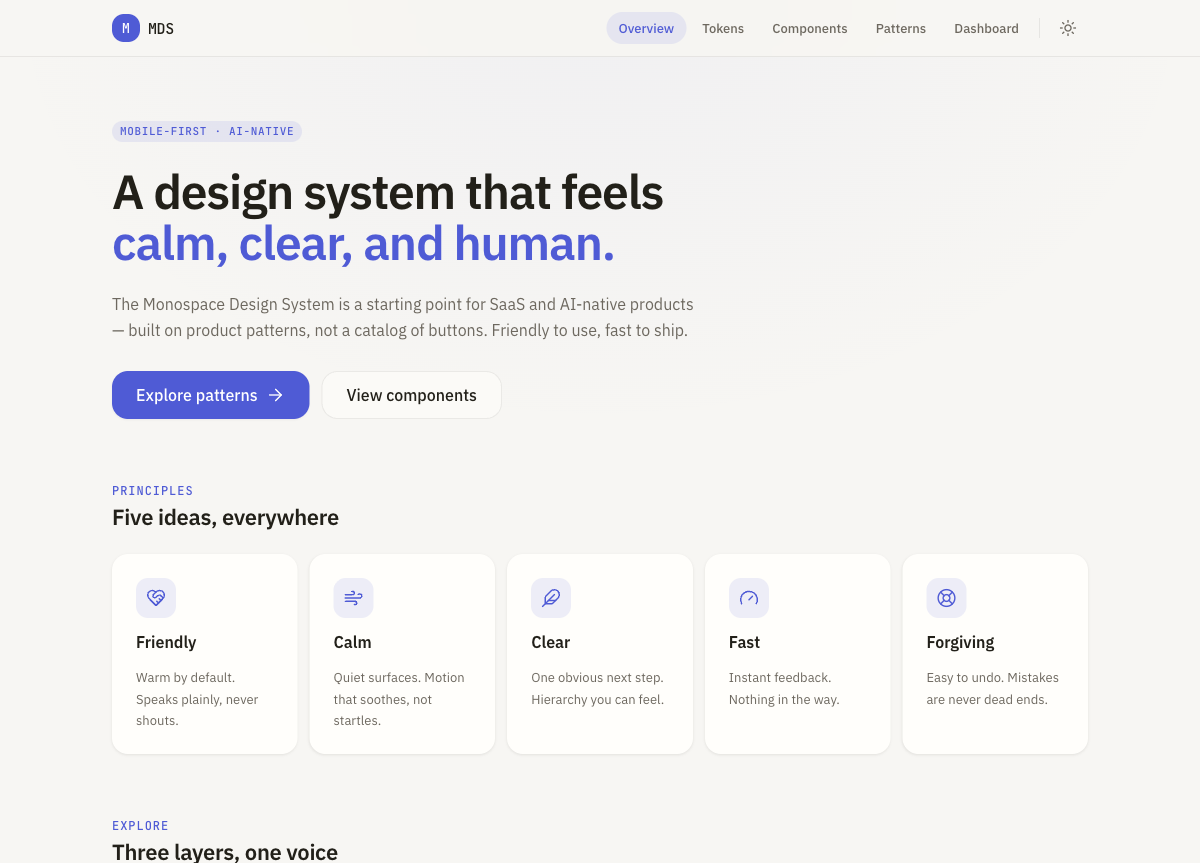
MDS is a starting point for SaaS and AI-native products — built on product patterns, not a catalog of buttons.
Five principles run through everything:
| Principle | What it means |
|---|---|
| Friendly | Warm by default. Speaks plainly, never shouts. |
| Calm | Quiet surfaces. Motion that soothes, not startles. |
| Clear | One obvious next step. Hierarchy you can feel. |
| Fast | Instant feedback. Nothing in the way. |
| Forgiving | Easy to undo. Mistakes are never dead ends. |
The reference points: Apple HIG, Arc, iOS-native apps. Deliberately free of enterprise heaviness, Material aesthetics, and border-heavy layouts.
Three layers
Foundations (Tokens) — spacing, radius, type, motion, shadows, and colour as CSS custom properties. Typed source of truth in TypeScript. Light and dark out of the box.
Building blocks (Components) — eight accessible primitives: Text, Icon, Button, Input, Card, Sheet, Surface, Stack, plus a theme provider and toggle. Built on Base UI for the accessible plumbing, Lucide for icons, Motion for animation.
The point (Patterns) — nine interactive product screens that are the actual reason MDS exists. Not documentation for what you might build — screens you can lift into a real product right now.
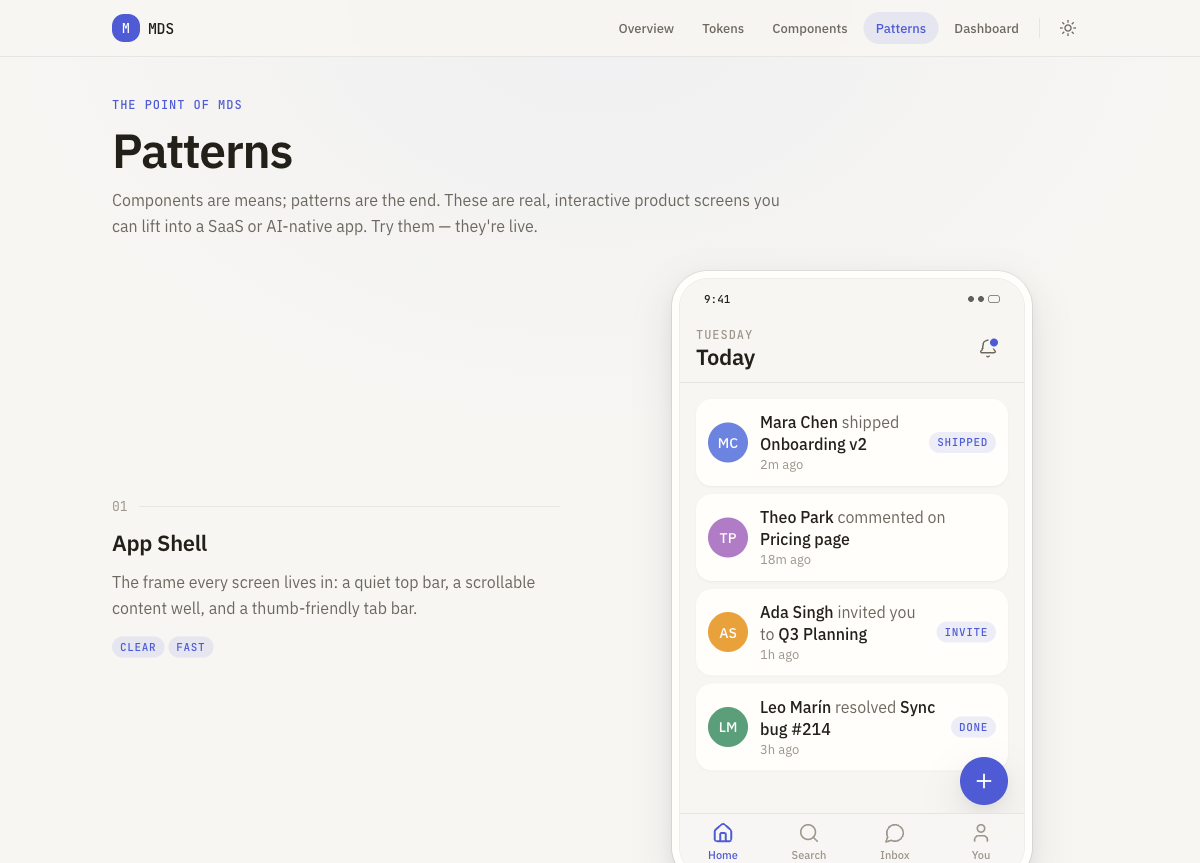
App Shell, Settings Screen, Profile Screen, List + Detail, Search Screen, AI Chat Screen, Empty State, Loading State, and a keyboard-navigable Command Bar (⌘K). Try them — they're live at mds.monospace.studio/patterns.
The shadcn bit
This is the part I'm most pleased with. MDS ships a shadcn registry item, which means any project already using shadcn/ui can pull in the MDS theme with one command:
npx shadcn@latest add https://mds.monospace.studio/r/mds-theme.json
That lands IBM Plex Sans, JetBrains Mono, warm paper neutrals, one calm accent (the blue you see throughout), and soft radius — all as CSS variables, wired straight into your Tailwind v4 config. Light and dark. No copy-paste token archaeology.
The registry item is just JSON at /r/mds-theme.json. shadcn fetches it, applies the variables, and your project is on MDS.
Stack
Next.js (App Router) · React 19 · TypeScript strict · Tailwind v4 · Base UI · Lucide · Motion · Vercel.
The repo is derrybirkett/monospace-design-system. The live docs are at mds.monospace.studio.