Design system — principles, tokens, primitives, patterns, and shadcn registry
Role: Design System Lead · Client: Monospace Studio (self-initiated)
uivisualdesign-systems
Problem
Most design systems start in Figma — tokens in a shared library, components in a published file, handed to engineering as an interpretation. The code always comes second, a loose reading of whatever the design file intended. For SaaS and AI-native products that ship fast, the gap between the documented system and the running product is where consistency quietly leaks away.
Solution
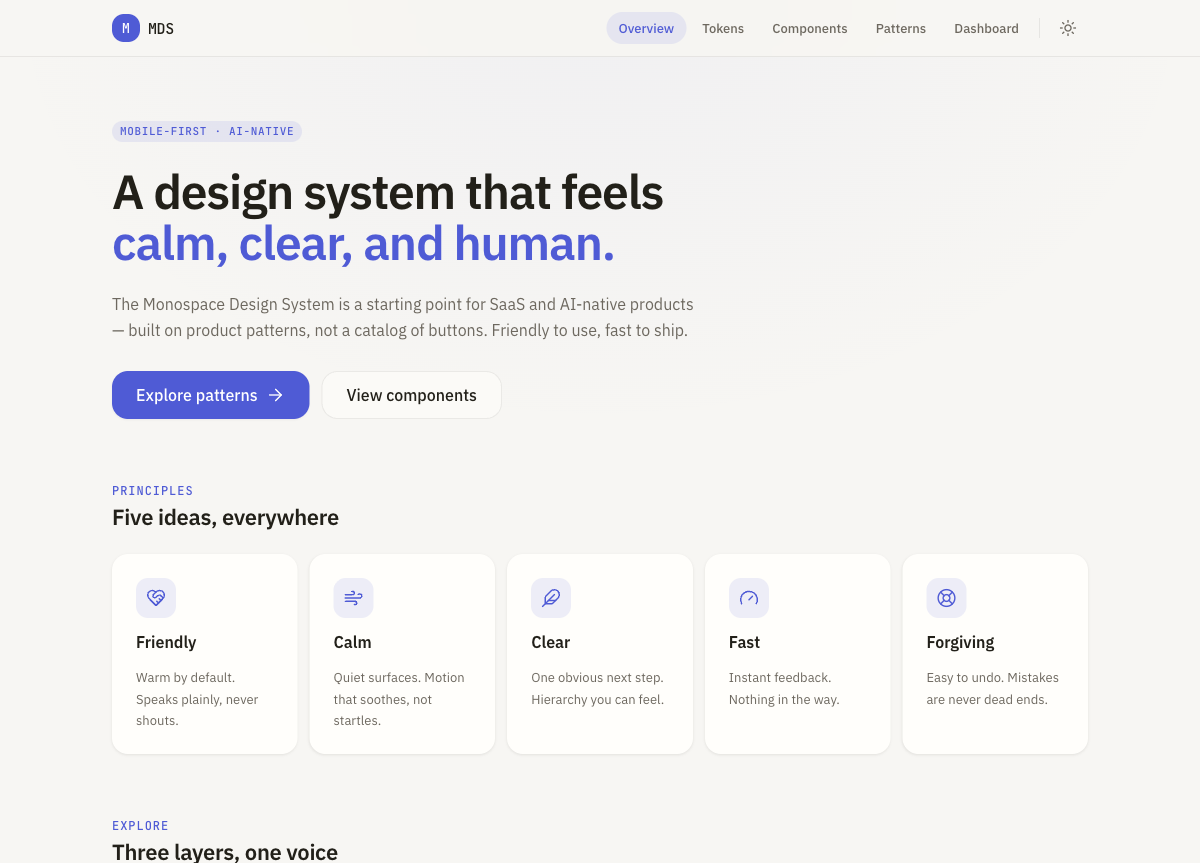
MDS is built backwards: it starts in code and ships as a working, interactive site you can actually use — no Figma file, no mockups. Five principles act as architectural constraints across three layers: typed tokens, eight accessible primitives, and nine interactive product patterns. A shadcn registry item lets any project adopt the whole theme with one command, so the system and the product surface stay the same thing.
Code-first, not Figma-first
01 The brief
The Figma file doesn't exist. MDS is a starting point for SaaS and AI-native products, built on product patterns rather than a catalogue of buttons. The reference points are Apple HIG, Arc, and iOS-native apps — deliberately free of enterprise heaviness and border-heavy Material layouts. Building from code first means the system and the product surface are the same artifact, not a design file and its later interpretation.
Five constraints
02 Principles
Friendly — warm by default, speaks plainly, never shouts. Calm — quiet surfaces, motion that soothes rather than startles. Clear — one obvious next step, hierarchy you can feel. Fast — instant feedback, nothing in the way. Forgiving — easy to undo, mistakes are never dead ends. The five run through everything as architectural constraints, not just copy on a principles page.
Tokens, primitives, patterns
03 Three layers
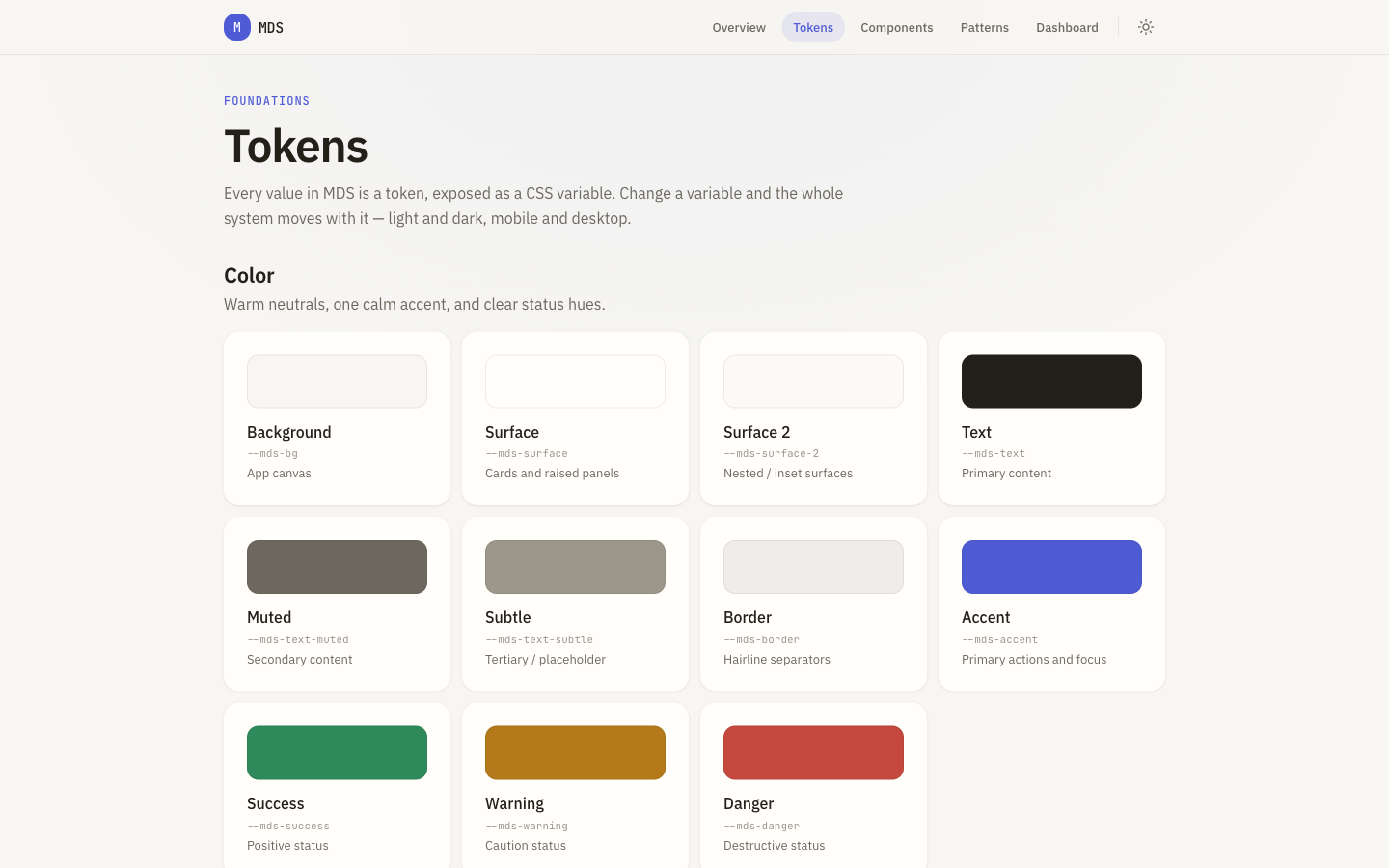
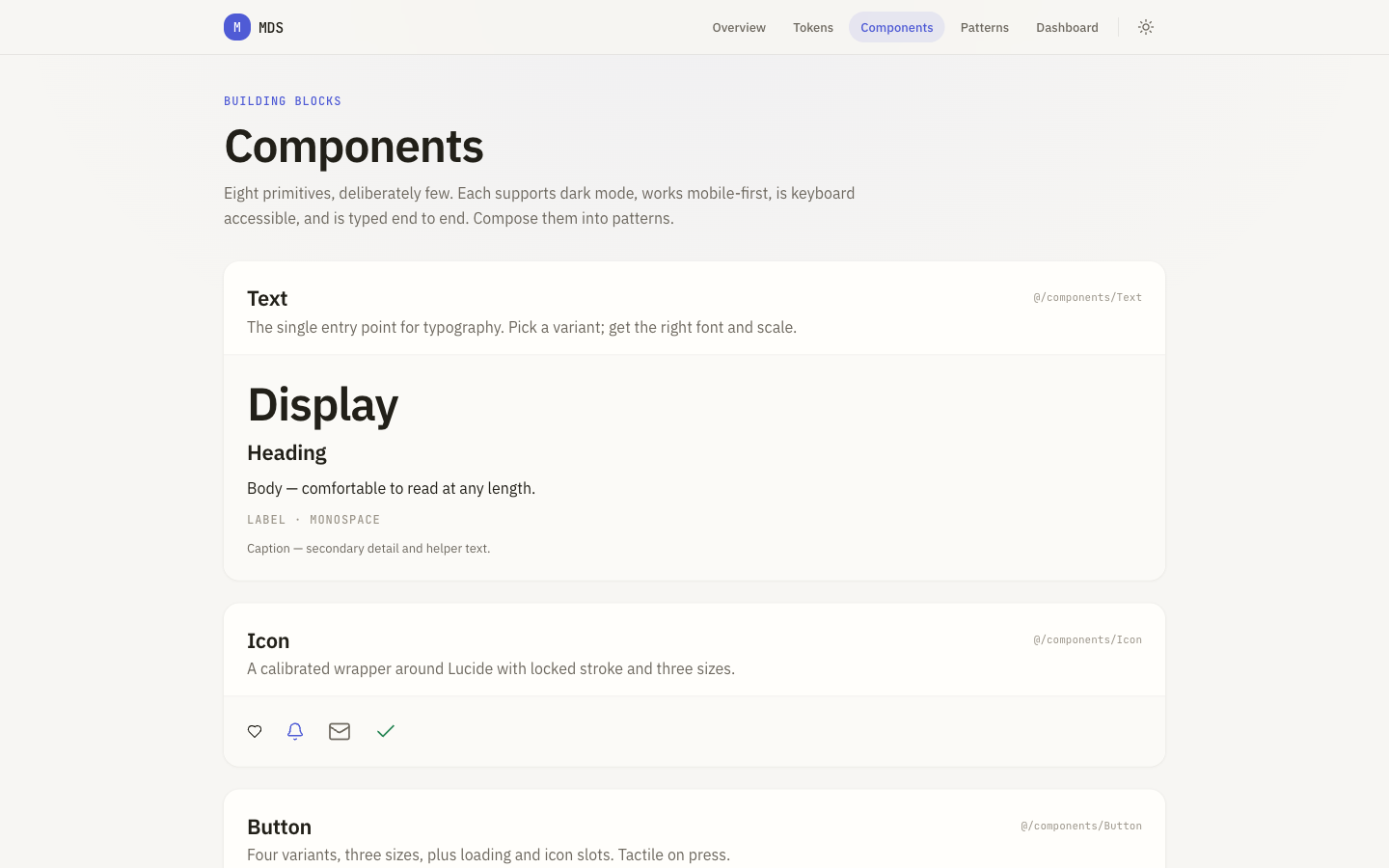
Foundations are spacing, radius, type, motion, shadow, and colour as CSS custom properties — a typed source of truth in TypeScript, light and dark out of the box. Building blocks are eight accessible primitives (Text, Icon, Button, Input, Card, Sheet, Surface, Stack) built on Base UI for the accessible plumbing, with Lucide icons and Motion animation wired through every component.
001
002003
Nine interactive screens
04 Patterns
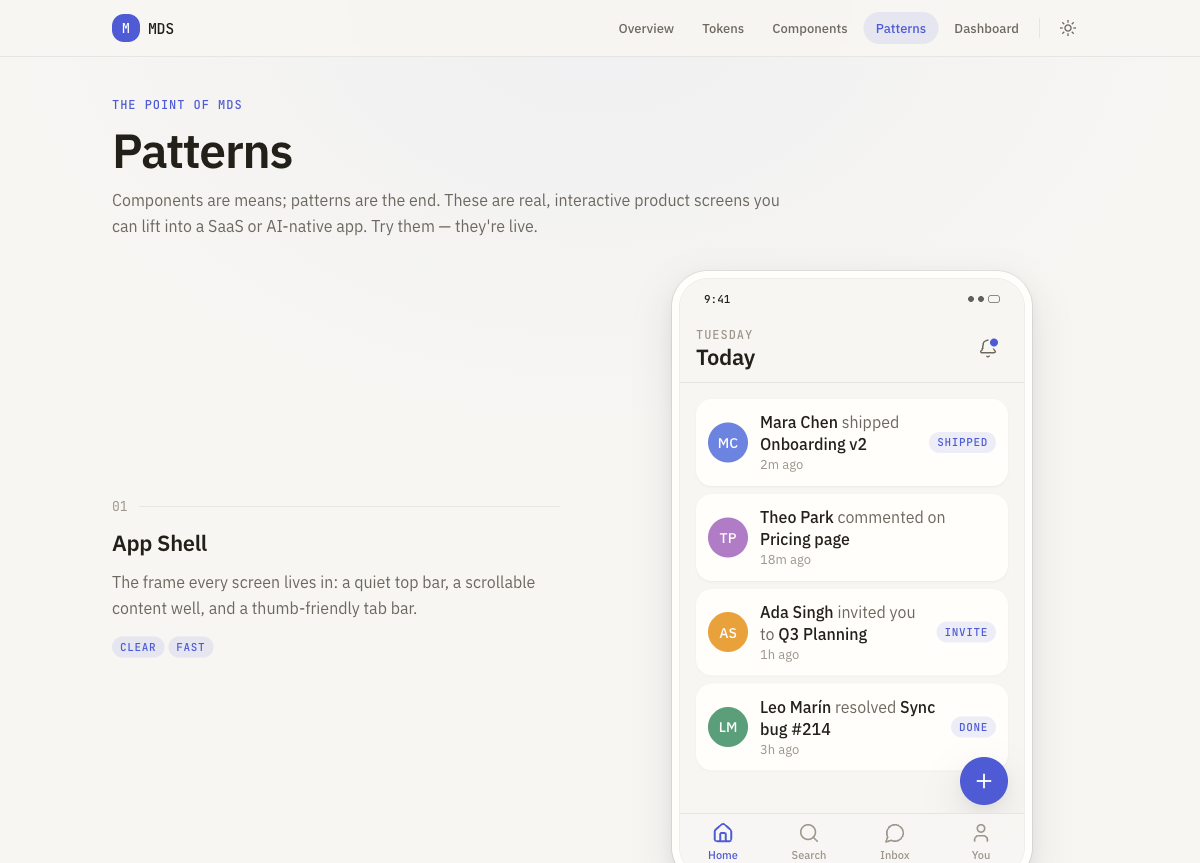
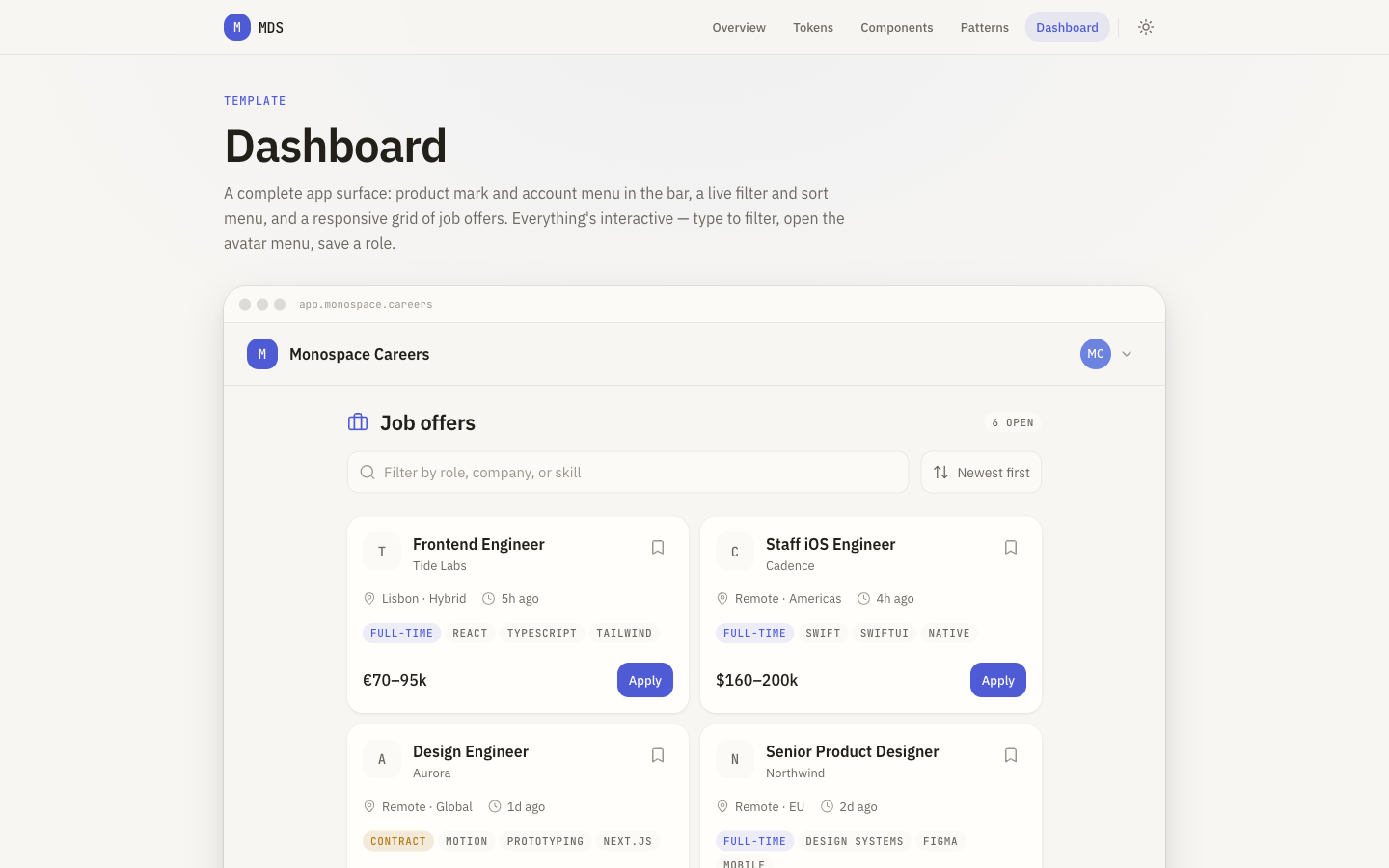
The point of the whole system: nine live product screens you can lift straight into a real product — App Shell, Settings, Profile, List + Detail, Search, AI Chat, Empty State, Loading State, and a keyboard-navigable Command Bar (⌘K). Not documentation for what you might build; screens that already work, live at mds.monospace.studio/patterns.
004
One-command adoption
05 shadcn registry
MDS ships a shadcn registry item, so any project already on shadcn/ui pulls in the full theme with a single command — IBM Plex Sans, JetBrains Mono, warm paper neutrals, one calm accent, and soft radius, all as CSS variables wired into Tailwind v4. Light and dark, no copy-paste token archaeology: shadcn fetches the JSON, applies the variables, and the project is on MDS.
Live and AI-native
06 Stack & status
Built on Next.js (App Router), React 19, TypeScript strict, Tailwind v4, Base UI, Lucide, and Motion, deployed on Vercel. Live docs at mds.monospace.studio, with a full write-up at /blog/monospace-design-system. AI-native from the first commit — built with and for AI-assisted product teams.